
Before you start
Listing content viewing, editing and publishing are separate permissions. Confirm which source owns each field.
-
Open Distribution > Listing content and select the exact listing and property. Use the listing identity to confirm which public page the proposed content belongs to, especially when several units have similar names.
Select the exact listing Listing content 
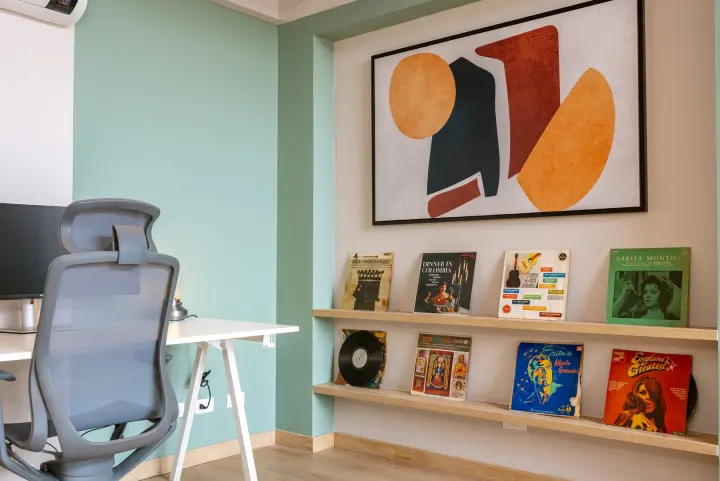
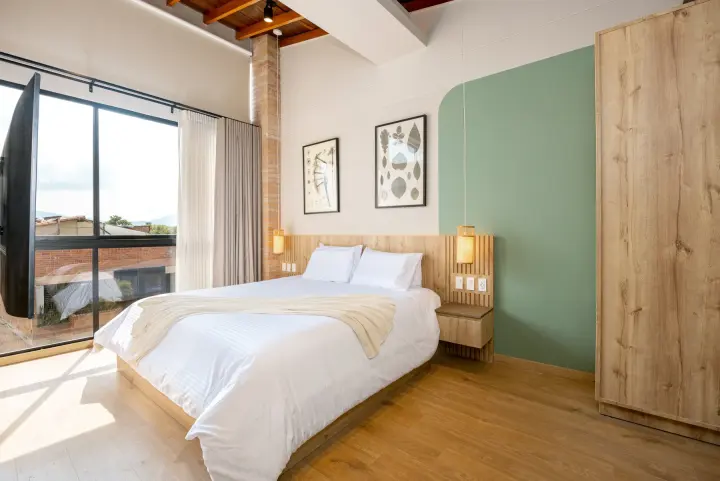
Garden studio
A place with room to unwindWi-FiKitchenLaundrySaved contentDescriptions, photos and amenities together- Property
- Garden building
-
Review descriptions, amenities and photos. Edit the supported fields with verified information; keep private access details out of public copy.
Edit verified public content Garden studio Garden studioThe details that matterLocal changesWorkspaceAmenity updateSelectedPhoto selectionListing photosFor reviewDescriptionPublic wordingEdited- Amenities
- WiFi and kitchen
-
Save locally, then use the supported publication action when ready. Check the outbox/provider result instead of treating Save as publication. The editor shows the saved local content; supported publication has its own outbox and provider result.
Inspect publication separately Garden studio From saved to published
Publication resultSaved editSavedLocal contentPublicationSubmittedSupported updateChannel resultConfirmedPublished content- Local content
- Saved
Check the result
The editor shows the saved local content; supported publication has its own outbox and provider result.
Limits and prerequisites
A confirmed listing fact is not confirmation of every photo or description. Provider support differs by field.